Event Space & Classrooms
Click on a room to display the capabilities and instructions
Classrooms, conference rooms, and event spaces
All rooms have the following common services: Desktop Computer with internet access, Wi-Fi and Zoom.
Click a room to see seating, displays, microphones, and how to present. Open Podium Control or AV System instructions when you need the step-by-step. Wi-Fi and Zoom are available in every room and open the matching guide.
Room capabilities
Rooms ABC
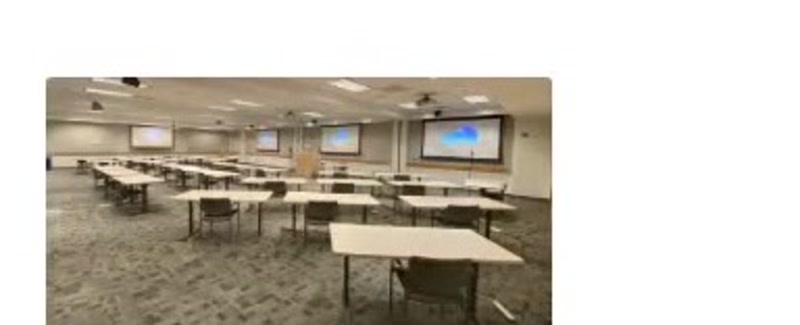
All three rooms opened together. Theater seating for 225.
Seating capacity by setup
U Shape
52
Classroom
88
Theater
225
Hollow Square
N/A
Round Tables
114
Long Tables
144
AV capabilities
Microphones
- 4 handheld
- 2 lavalier
- 20 delegate
Podium
- Laptop & tablet connections
- HDMI
- USB-C
Display
- Projector & screen
Always available
- Desktop computer with internet access
- Wi-Fi
- Conferencing capabilities
- Document camera
Hollow square is not offered in the ABC layout.
How to use it
- 1Reserve ABC only when the dividers will be fully open.
- 2Ask UCDC IT to link audio so all three rooms hear the same program.
- 3Present from the host podium and confirm all projectors show the same source.
Need help fast?
UCDC IT
UCDC accounts, computers, Microsoft 365, Wi-Fi, AV, and Zoom (except accounts)
UCOP ITS
UCOP accounts, Duo, UCOP Outlook forwarding, Box, Zoom accounts, and VPN