Event Space & Classrooms
Click on a room to display the capabilities and instructions
Classrooms, conference rooms, and event spaces
All rooms have the following common services: Desktop Computer with internet access, Wi-Fi and Zoom.
Click a room to see seating, displays, microphones, and how to present. Open Podium Control or AV System instructions when you need the step-by-step. Wi-Fi and Zoom are available in every room and open the matching guide.
Room capabilities
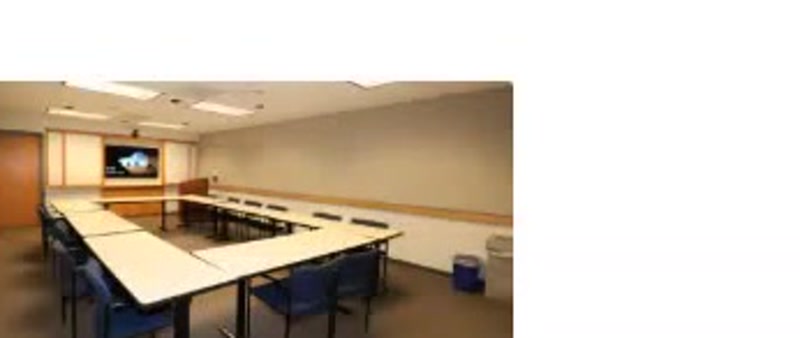
Classroom 314
Seminar classroom with a 65" monitor, podium HDMI/USB-C, and Zoom.
Seating capacity by setup
U Shape
16
Classroom
16
Theater
30
Hollow Square
18
Round Tables
N/A
Long Tables
16
AV capabilities
Podium
- Laptop & tablet connections
- HDMI
- USB-C
Screen
- 65" Monitor
Always available
- Desktop computer with internet access
- Wi-Fi
- Conferencing capabilities
Best for discussion and seminar-style classes.
How to use it
- 1Wake the instructor desktop and log in with your UCDC account if prompted.
- 2Power on the display from the podium touch panel (or the TV power button in rooms without a panel).
- 3Present from the room PC, or connect a laptop with HDMI or USB-C at the podium.
- 4For Zoom, open the meeting on the room PC so students hear the room speakers and microphone.
- 5Shut the system down from the panel, log off the PC, and leave cables in place.
Need help fast?
UCDC IT
UCDC accounts, computers, Microsoft 365, Wi-Fi, AV, and Zoom (except accounts)
UCOP ITS
UCOP accounts, Duo, UCOP Outlook forwarding, Box, Zoom accounts, and VPN